 Step 1
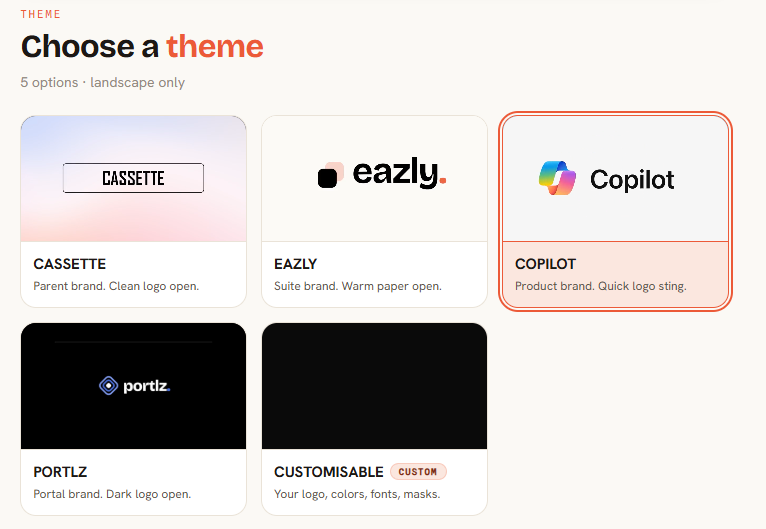
Pick a theme
Create and choose themes all branded to match the software you are demonstrating and for consistency across all video content.
Vidori · Part of Eazly suite
How-to videos at the speed your software and AI tools are changing. Share your screen and explain the steps. Vidori creates a polished, branded video and writes a step-by-step cheat sheet from the same session.
From branded themes to a finished video and cheat sheet — four steps, no learning curve.
Step 1Create and choose themes all branded to match the software you are demonstrating and for consistency across all video content.
 Step 2
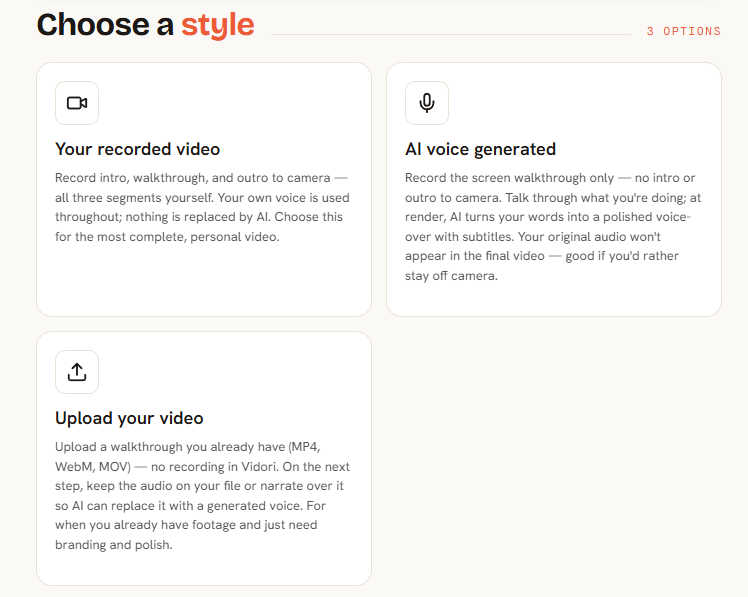
AI voiceover can remove um's and ah's and keep a consistent professional feel. Or let your product owners be the star with their own voice and webcam feed in the video.
 Step 3
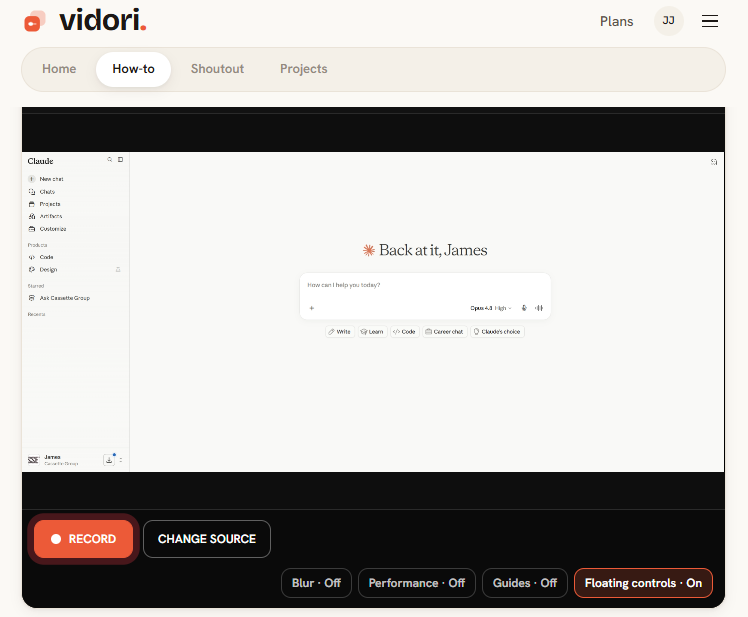
Record your screen and talk through your how-to video, show the learners what they need to know.
 Step 4
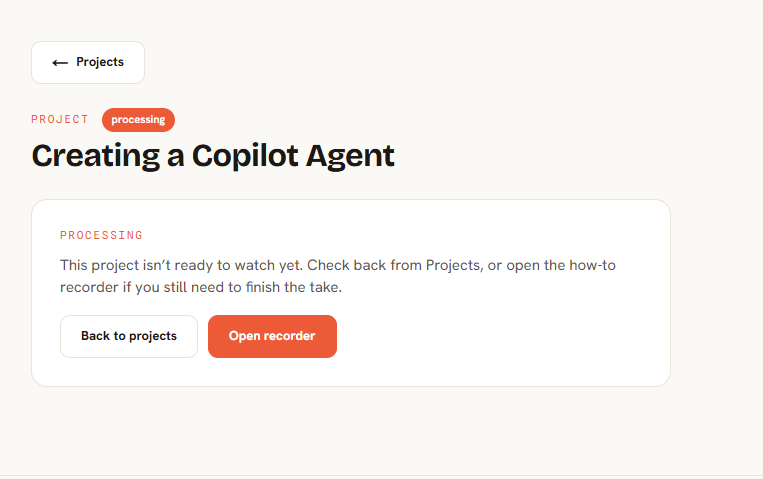
Once you are happy send your video to render, it will be edited together and a cheat-sheet can be generated.
Choose a plan that fits how you build. Limits and pricing update from your live catalog.
$0per month
$15per month
$50per month
Ready when you are